One tracking system for all leased assets
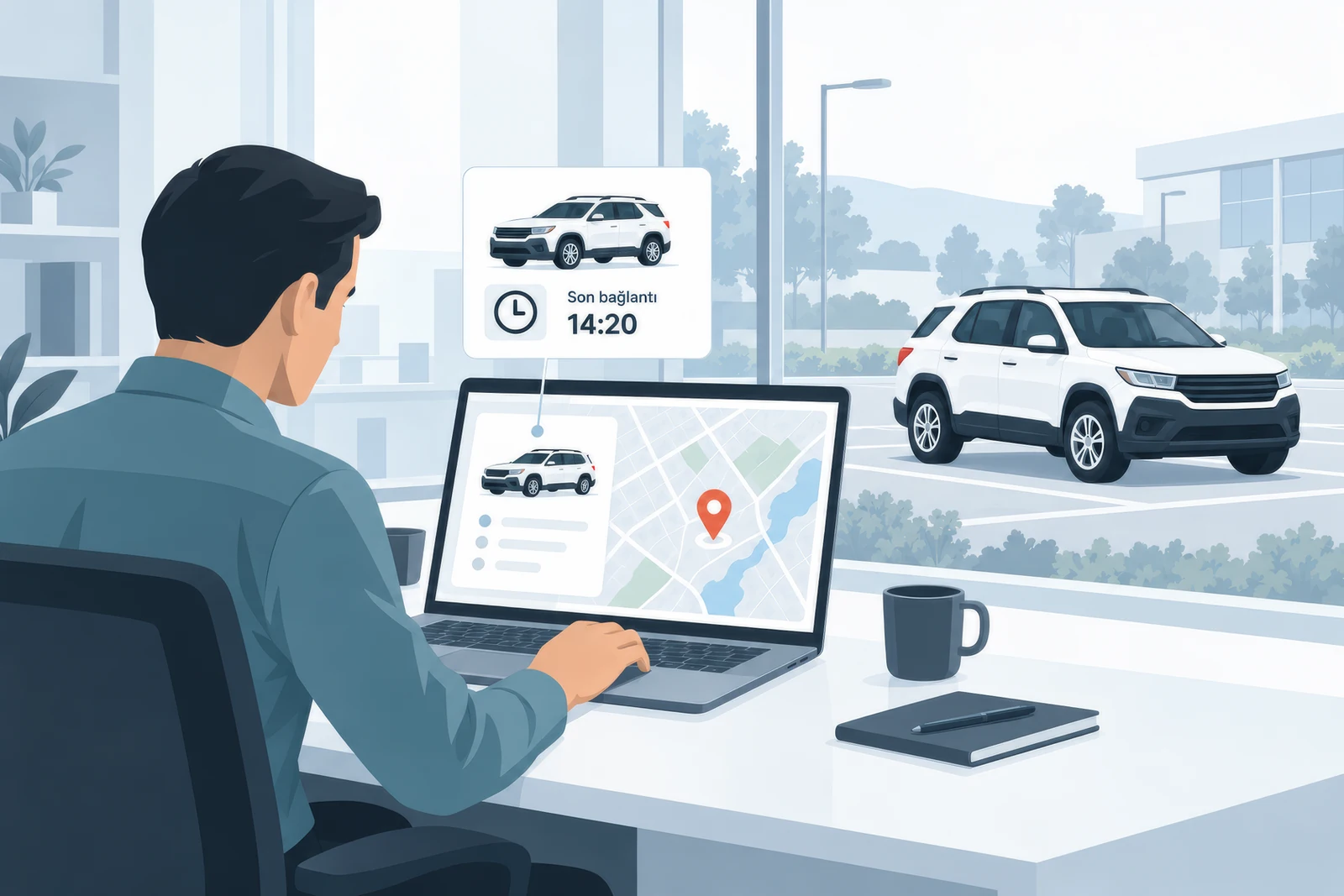
Track the location of delivered assets, check their areas of use and plan searches using recorded data.
TelemaTek combines an autonomous tracker with a web dashboard.
From vehicles to production equipment
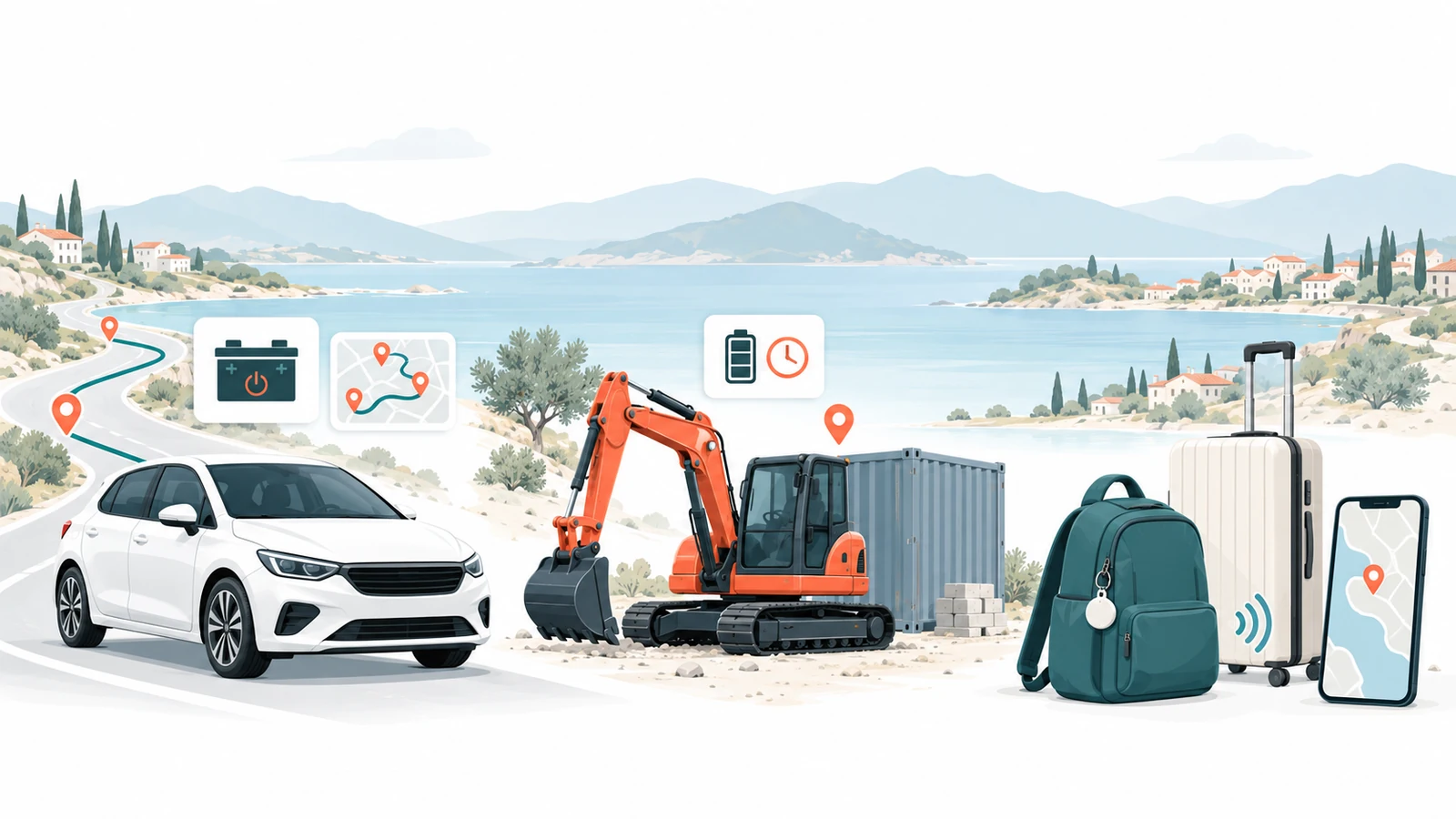
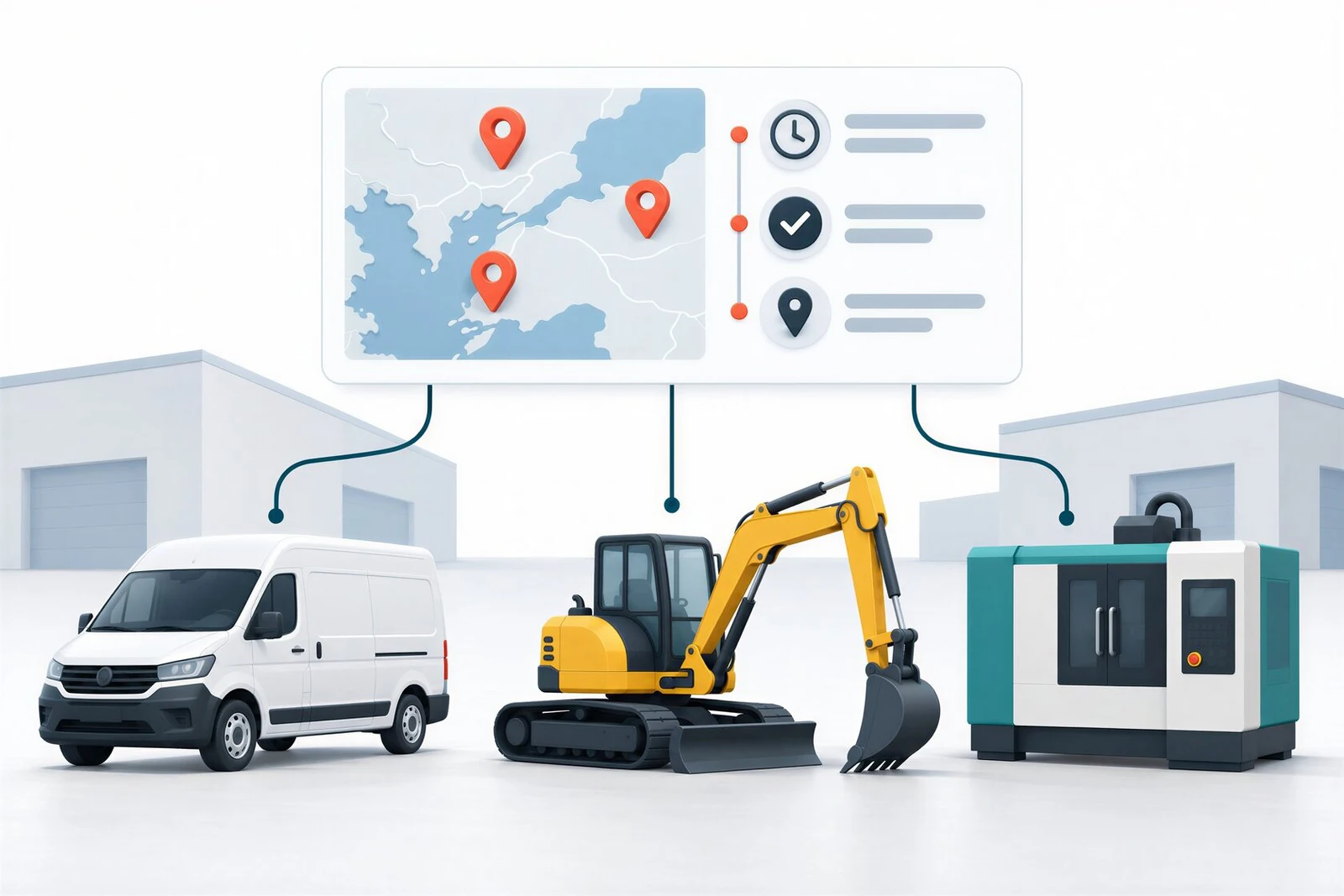
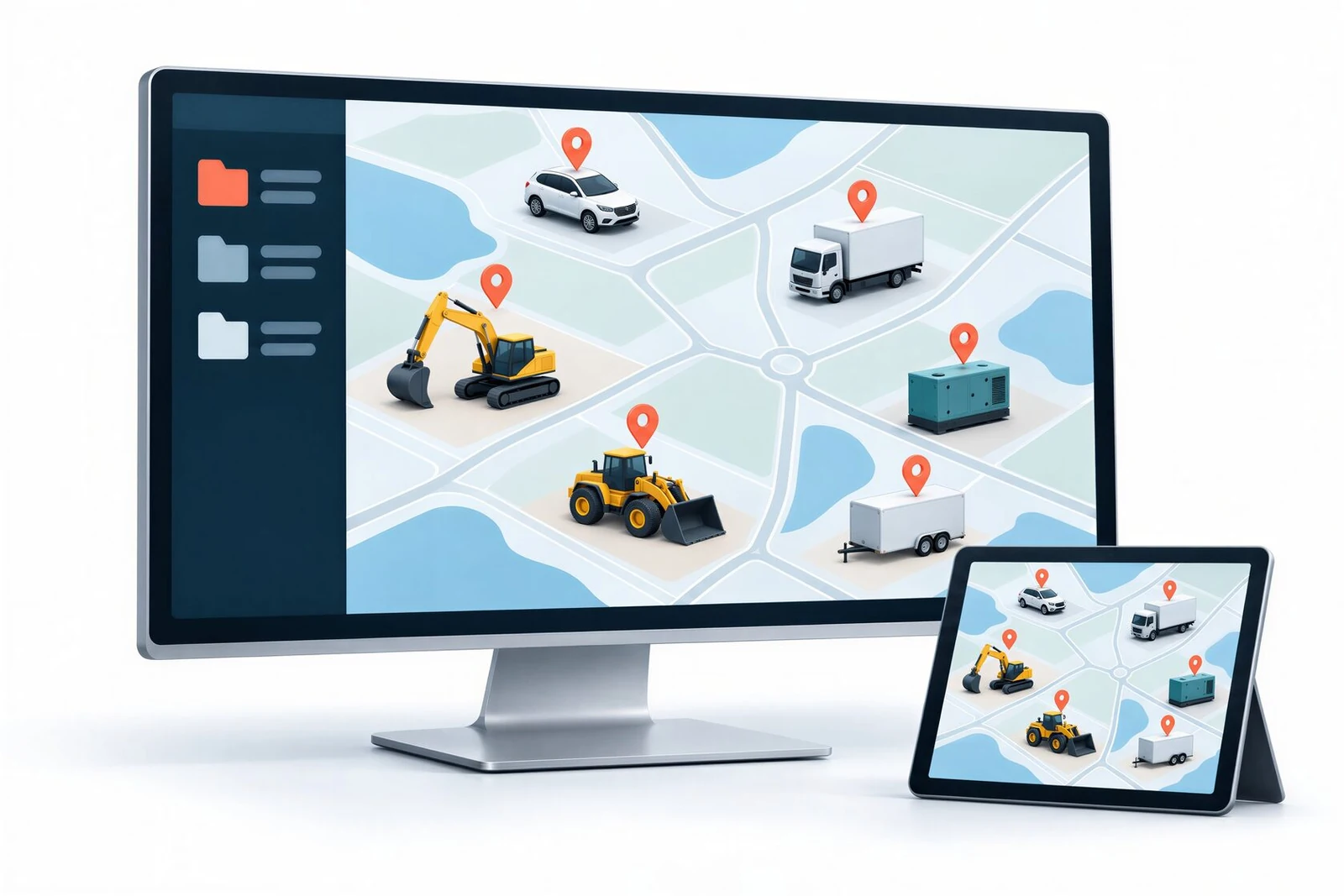
Cars, electric vehicles, construction machinery, production equipment, generators and trailers can use the same tracking solution. With no electrical connection required, installation is simpler across mixed portfolios of different makes and models.
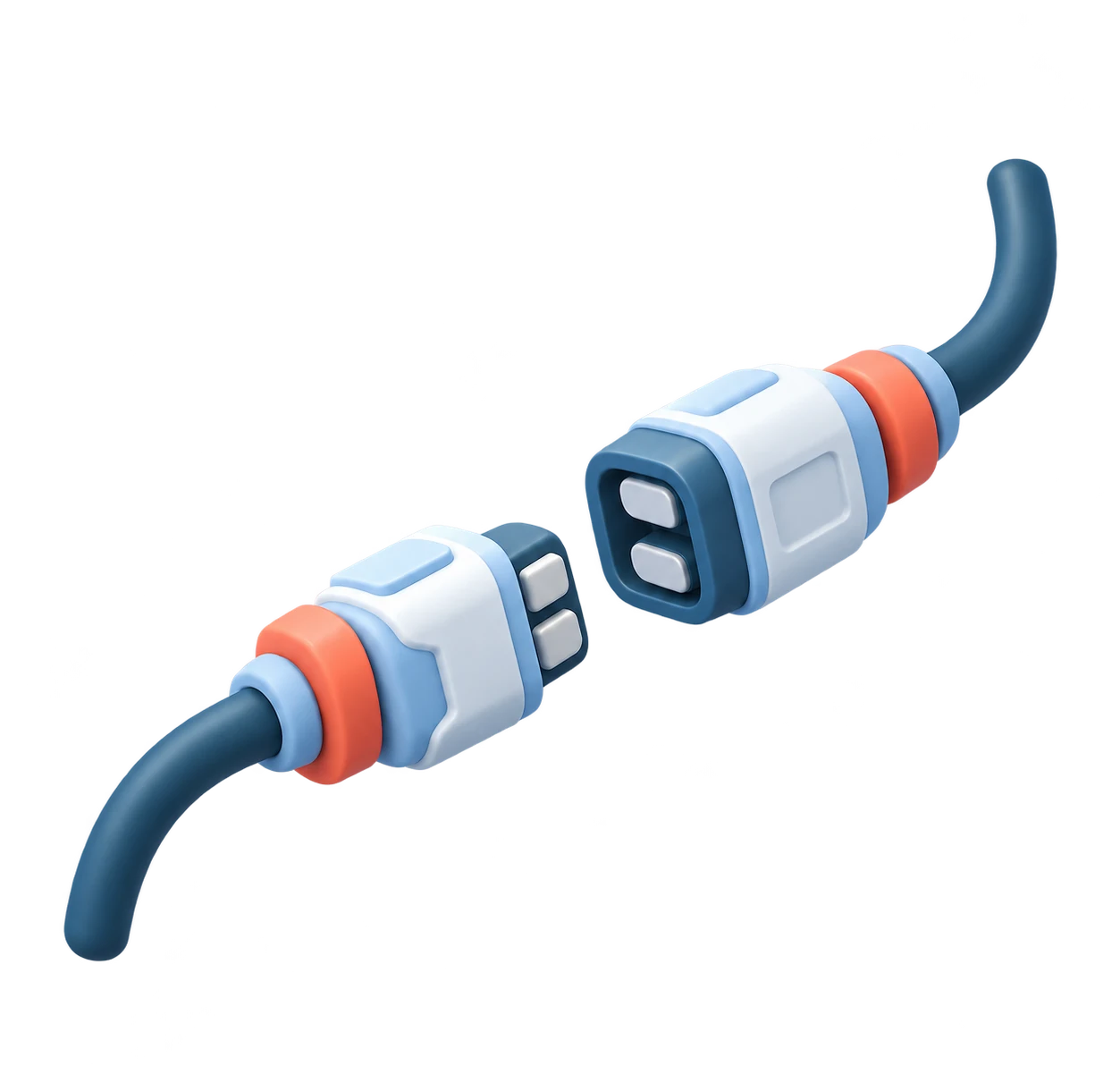
No electrical connection required
Installed without connecting to the vehicle or equipment's electrical system. Also suitable for electric vehicles.

Suitable for discreet installation
Choose a less noticeable installation point without depending on a power connection.

No subscription fee
We charge no subscription fee for using our tracking dashboard and devices.
Tracking scenarios for leased assets

Tracking after delivery
Review the last reported locations and movement records of vehicles, machinery and equipment delivered to customers. Compare these records with the expected place of use to identify situations requiring additional checks.

Storage and power outages
Seasonally stored machinery, equipment awaiting commissioning and vehicles with removed batteries may still need tracking. The device runs on its own batteries and requires no power from the asset, so location updates can continue according to the configured schedule even when an asset is out of use.
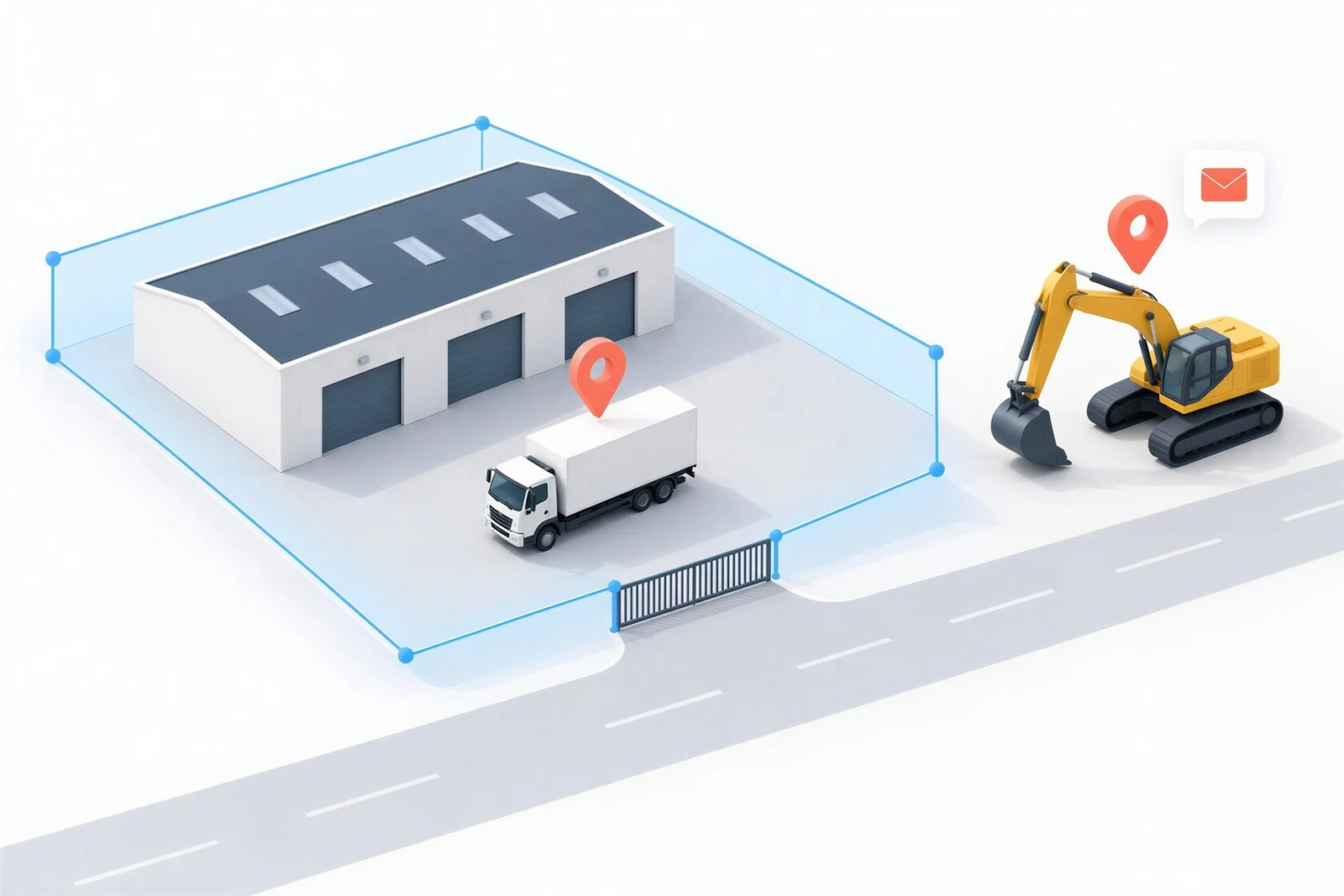
Identify changes in the area of use
Use location records to assess whether an asset is being used within its contracted site or region. Define geofences in TelemaTek Panel and compare locations against them. Review movement and activity records to assess unexpected usage.
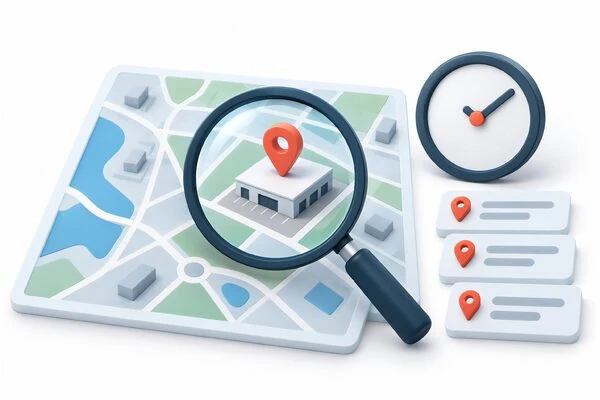
Start an asset search with concrete data
If a leasing customer cannot be reached or an asset's whereabouts become unclear, the relevant teams can review the latest location, record time and location history. These records help prioritise sites to check and plan fieldwork.
INSTALLATION FLEXIBILITY
Discreet installation makes unauthorised removal harder
With no power connection required, the device can be placed away from standard sockets in a less noticeable location.
The absence of a power cable makes the device harder to identify and remove without authorisation.
|When choosing an installation point, consider discretion, signal reception and secure mounting together.

HOW IT WORKS
When is location information updated?
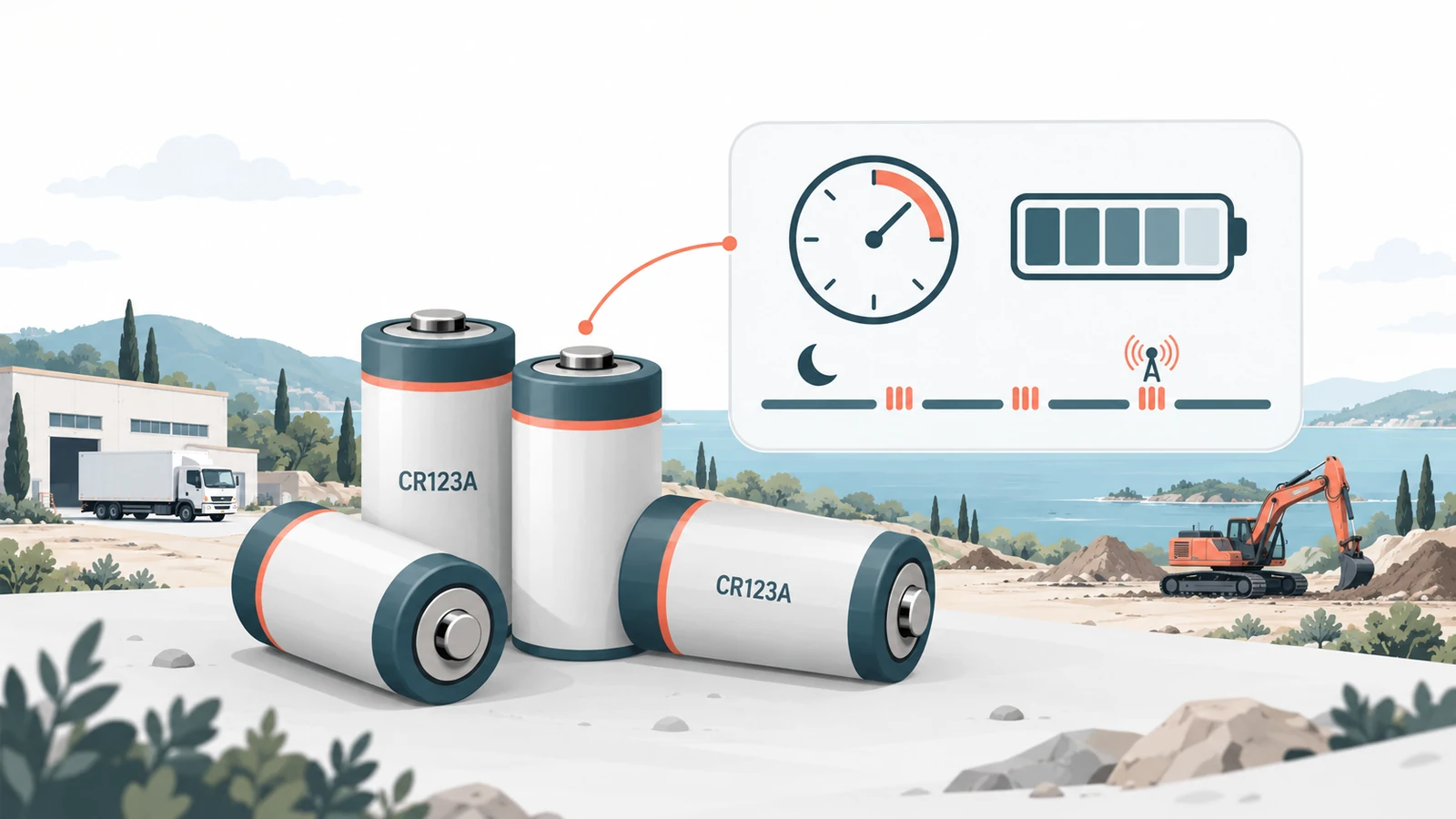
İM3L collects data at scheduled times or in response to defined events and transmits it over the mobile network. It sleeps between communication sessions to save energy.
The dashboard shows the latest received data and record times. Transmission frequency is adjusted to balance tracking needs, battery life and operating conditions.
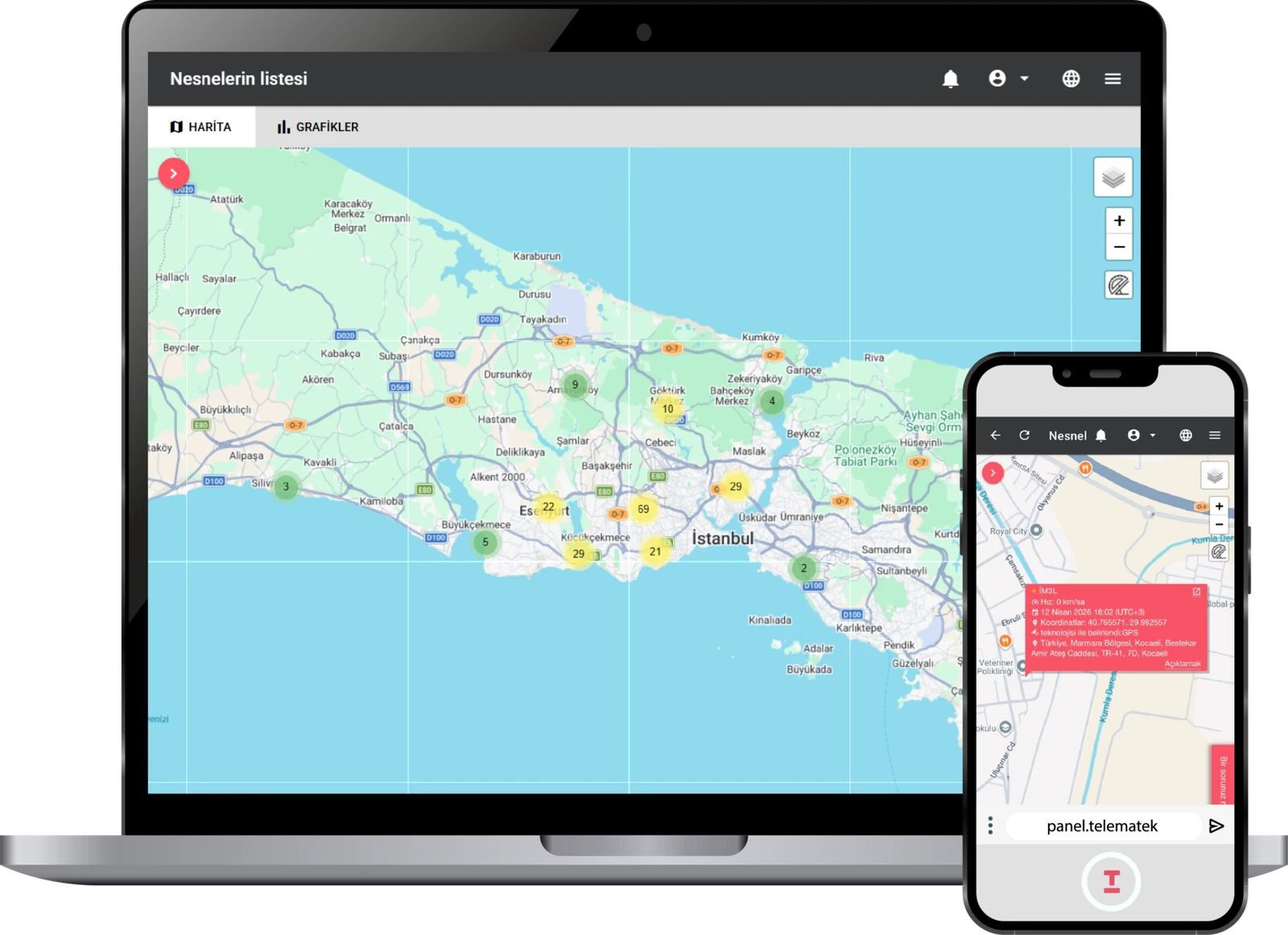
Manage your portfolio on one map
Access TelemaTek Panel through a browser on your computer, tablet or phone. Manage your leasing portfolio in a shared workspace without installing an app.
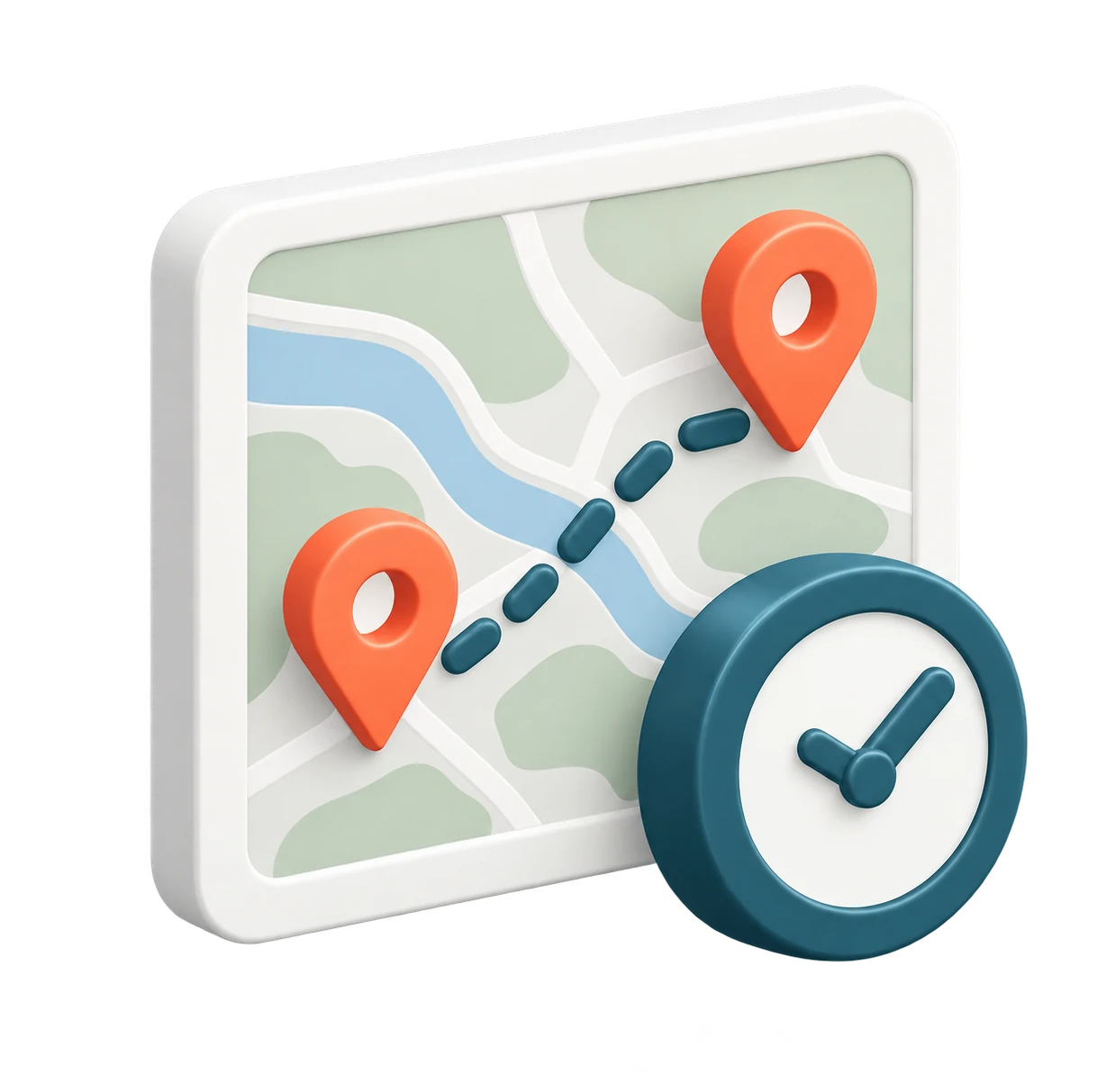
Location and historical records
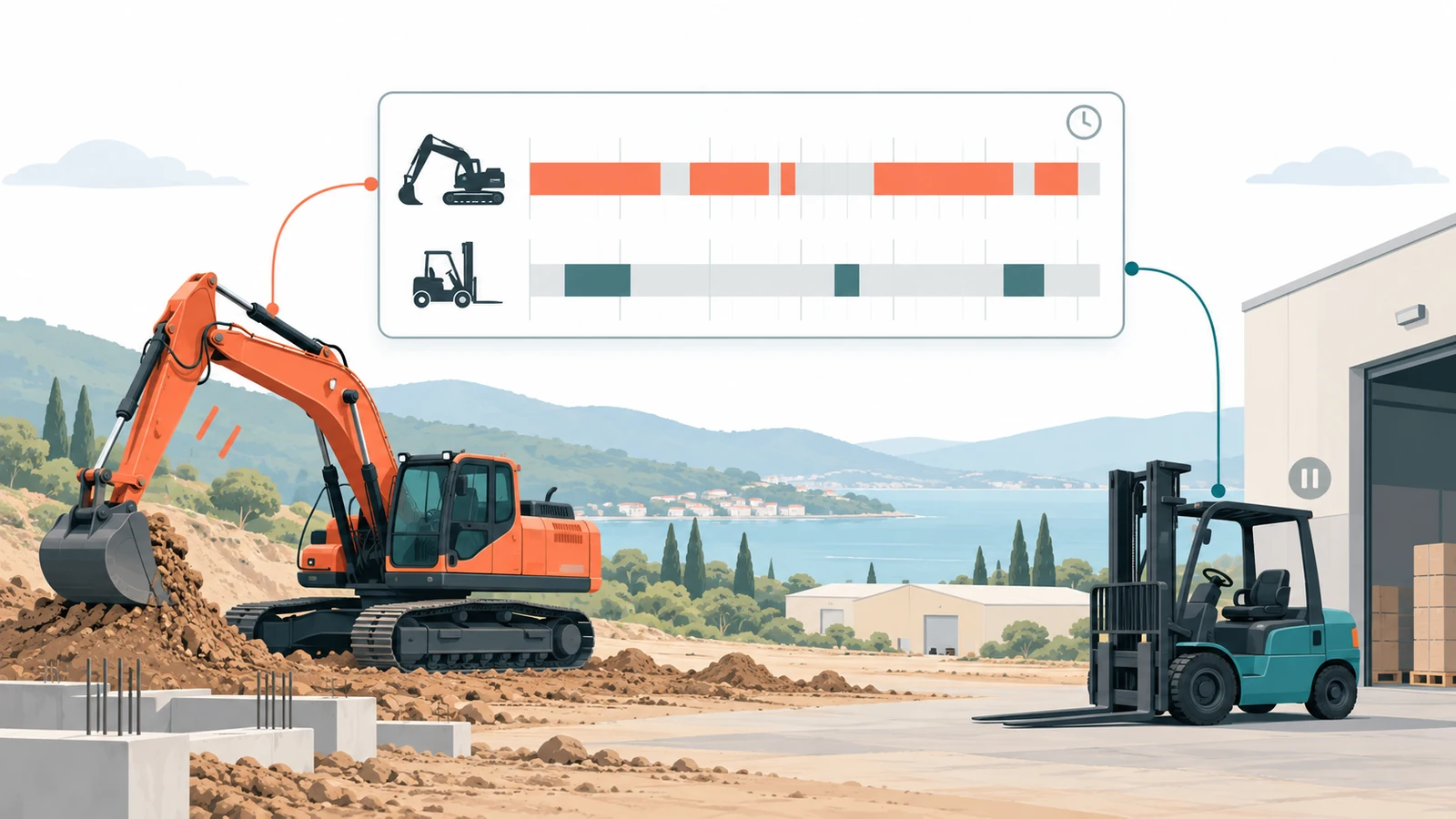
View last reported locations on the map. Review timestamps, location history, movement and stop records.
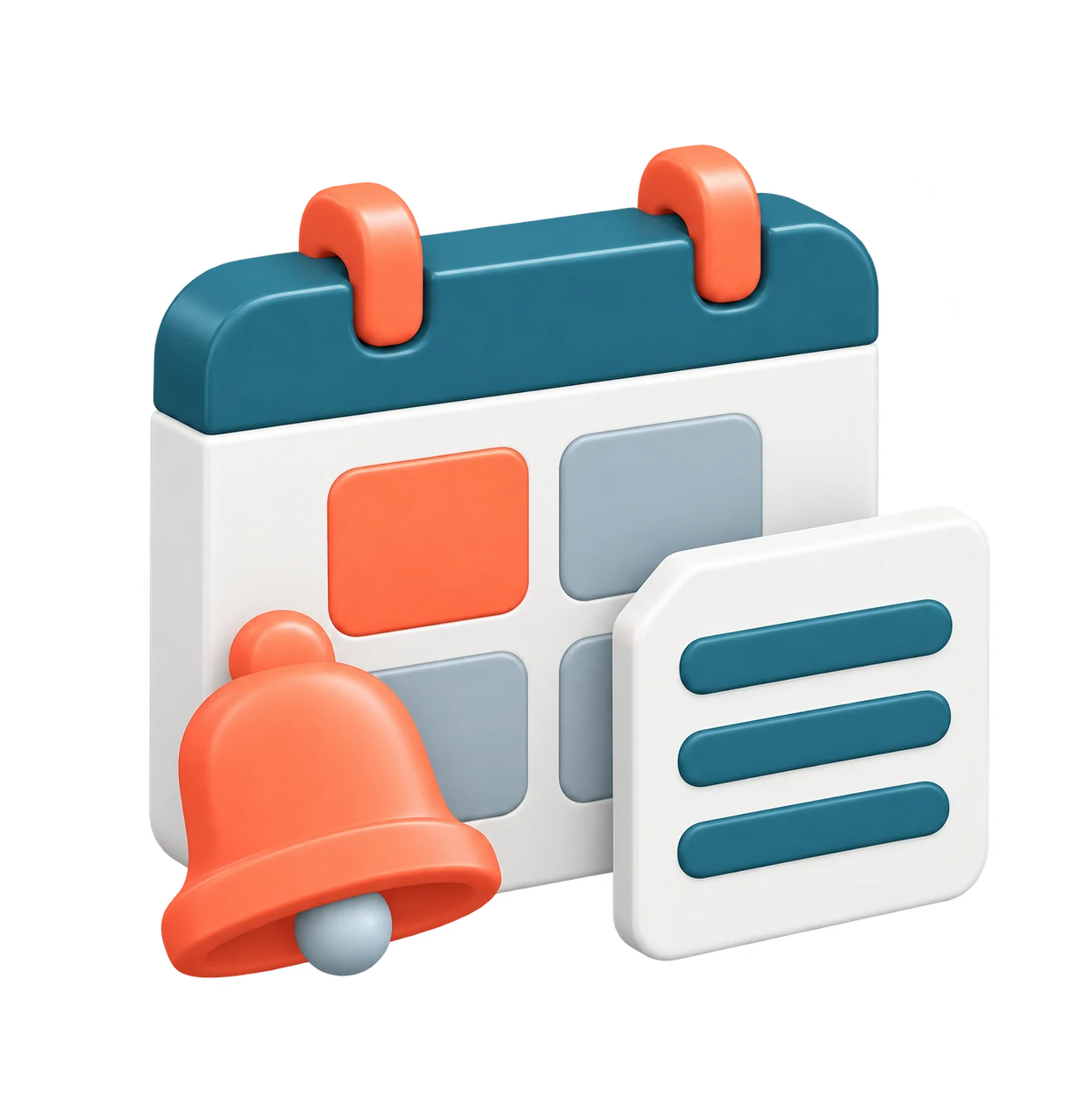
Geofences, notifications and reports
Define geographical areas and create automation and notifications for unusual events. Prepare automatic reports for regular checks.
Team and device management
Group assets by customer, region or type. Give users viewing and configuration permissions appropriate to their roles, and manage device settings in bulk.

API integration
Transfer tracking data to your existing CRM or ERP through the API. Together, we can define the integration scope around your systems and data needs.
Start tracking your leasing portfolio in 4 steps
Organise tracking, from installation to daily monitoring, around your company's needs.

Prepare your assets for tracking
Switch on the device and secure it firmly in a location with suitable signal reception on the vehicle, machinery or equipment to be tracked.
Verify the first location data
panel.telematek.com.tr Sign in to TelemaTek Panel and review the location and timestamp received during the first connection. Compare the information with the asset's actual location to check installation.
Define your monitoring routine
Set transmission frequency, areas of use and event notifications according to contract terms and your company's tracking needs.

Monitor your portfolio regularly
View tracked assets on one map. Use location history and activity records to identify situations requiring investigation.
Let's define a tracking plan for your leasing portfolio
Tell us about the assets you want to monitor and your main tracking needs. Our team will contact you to assess installation and usage options.
info@telematek.com.tr
+90 850 480 14 41