Independent tracking for commercial coolers
For cooler manufacturers and brands with coolers at retail outlets
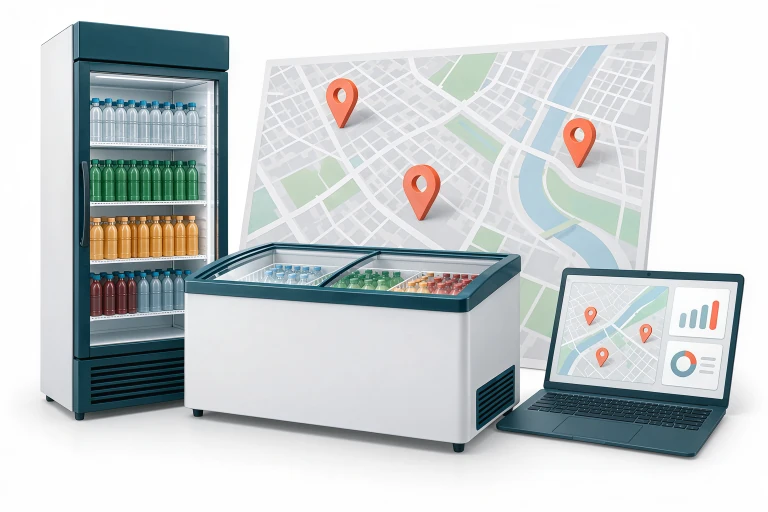
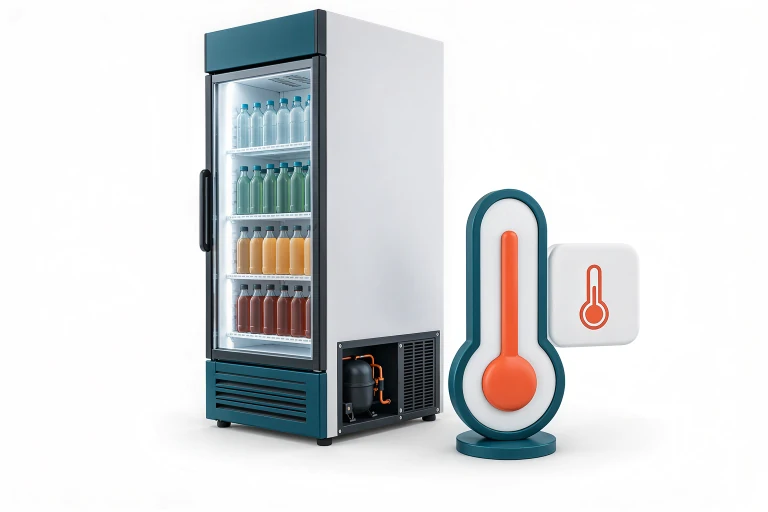
Monitor the location, compressor activity and ambient temperature of beverage coolers and ice cream freezers in one dashboard.
Use TelemaTek's independent tracking solution to add remote monitoring to the coolers you manufacture or track equipment at retail outlets.
Add remote monitoring to the coolers you manufacture
Offer customers a tracking option to review the location and operating conditions of coolers placed at different retail outlets.
Together with TelemaTek, assess device placement, vibration detection and transmission schedules for your cooler models. Plan dashboard and API options around your customers' usage needs.
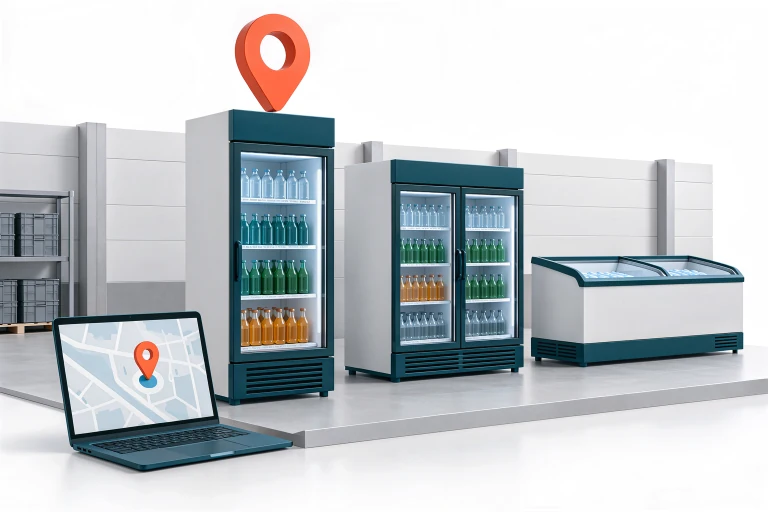
Three key insights into your coolers
Location tracking
See the coolers' latest reported locations on a map. Review changes in location alongside historical records to plan field checks.
Compressor activity
Assess operating periods through motor vibrations. Compare daily activity charts to identify changes requiring checks.

Ambient temperature
Record temperature at the device's location at regular intervals. Review daily and longer-term changes through temperature charts.
LOCATION TRACKING
See coolers across retail outlets on the map
Track the latest reported locations of coolers delivered to dealers and retail outlets. Review location history to assess whether equipment is in the expected area.
Plan fieldwork using recorded data for coolers whose location is unclear, that have moved or are due for return. Monitor equipment returned to storage after the season in the same dashboard.
|GNSS, Wi-Fi and LBS are used for positioning. Accuracy depends on the method and signal conditions.

ACTIVITY MONITORING
Assess compressor operation through vibrations
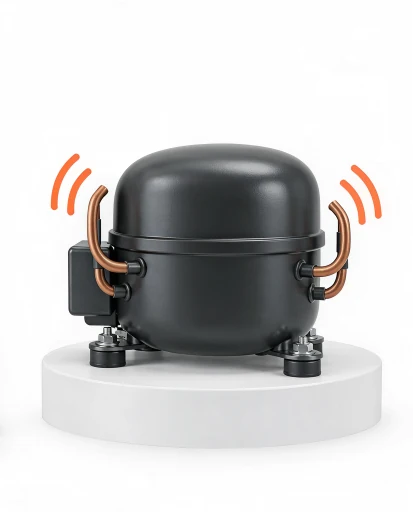
When İM3L is secured near the compressor at a suitable point where vibrations are transmitted, it records motor vibrations as movement. These records help assess the compressor's active periods and approximate running time.
Use activity charts to review differences between days. Arrange field checks for coolers showing prolonged inactivity or changes from their usual operating pattern.
|Moving the cooler and external vibrations can also generate records. Installation and detection settings are checked against actual operating conditions during the pilot.
TEMPERATURE MONITORING
Track temperature changes with charts
İM3L records temperature at its location at selected measurement intervals. Data sent to the dashboard lets you review temperature changes over a day or a longer period.
Assess temperature and activity charts for the same period to gain additional insight into the cooler's operating conditions. Use records that differ from usual values to guide on-site inspections.
| The built-in sensor measures temperature at the device's location. Near a compressor, motor heat may affect the measurement; these readings do not represent the temperature inside the cooler.
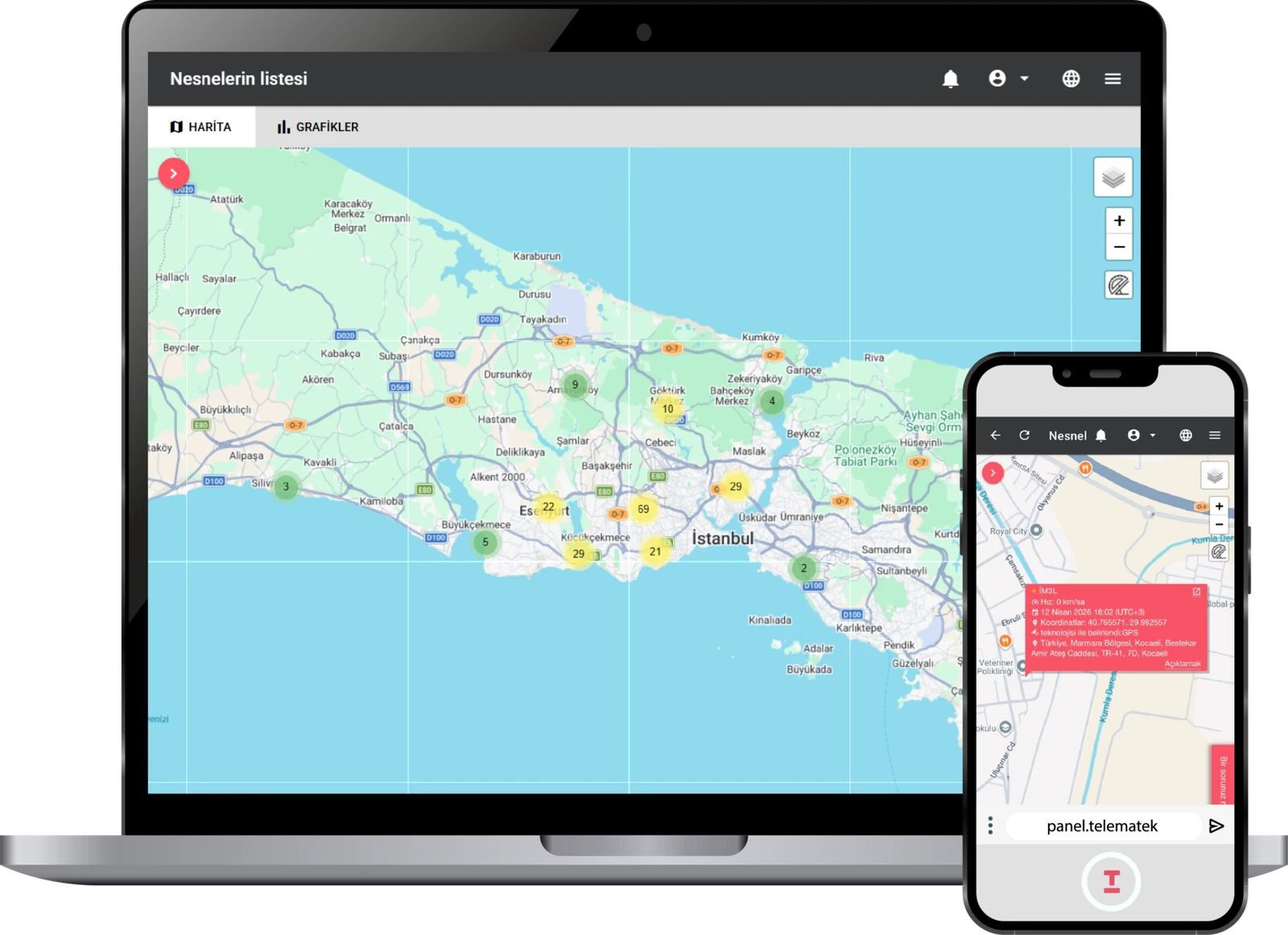
Assess locations and charts in one dashboard
Review the cooler's latest reported location, activity history and temperature changes together. Compare data across your chosen period instead of relying on a single record.
Location and timestamp
See the latest map location alongside its timestamp. Use location history to review changes in location.
Daily activity chart
Assess periods of detected vibration and total daily activity time. Compare operating patterns across different days.
Temperature history
Track temperature changes over a selected period on a chart. Interpret readings in the context of device placement.

API integration
Group coolers by dealer or region and manage team access. Together, we can define how to integrate data into your existing systems through the API.
Start deployment in four steps
Organise tracking, from installation to daily monitoring, around your company's needs.

Define your tracking needs
Tell us the cooler types, operating regions and your priorities. Together, we will define the data to monitor and evaluation criteria.
Test installation in the field
panel.telematek.com.tr Let's check signal reception and vibration detection on selected coolers, and assess the temperature measurement point for the intended application.
Set the operating schedule
Let's define temperature measurement intervals and activity recording settings to suit your needs. Positioning and transmission frequency are planned separately according to tracking needs and battery life.
Assess the results and expand deployment
Let's compare records with field observations. Once suitable installation points and settings are defined, deployment can expand to other coolers.
Let's create the right tracking plan for your coolers
Tell us about the cooler types you manufacture or use at retail outlets and your tracking needs. Our team will contact you to assess installation options and the scope of a pilot.
info@telematek.com.tr
+90 850 480 14 41