
Independent vehicle tracking for your fleet
Location and movement tracking for rental companies and corporate fleets, independent of vehicle power.
Monitor vehicles delivered to customers or employees with our own İM3L and TelemaTek Panel. Support existing tracking and field inspection processes with an additional source of data.
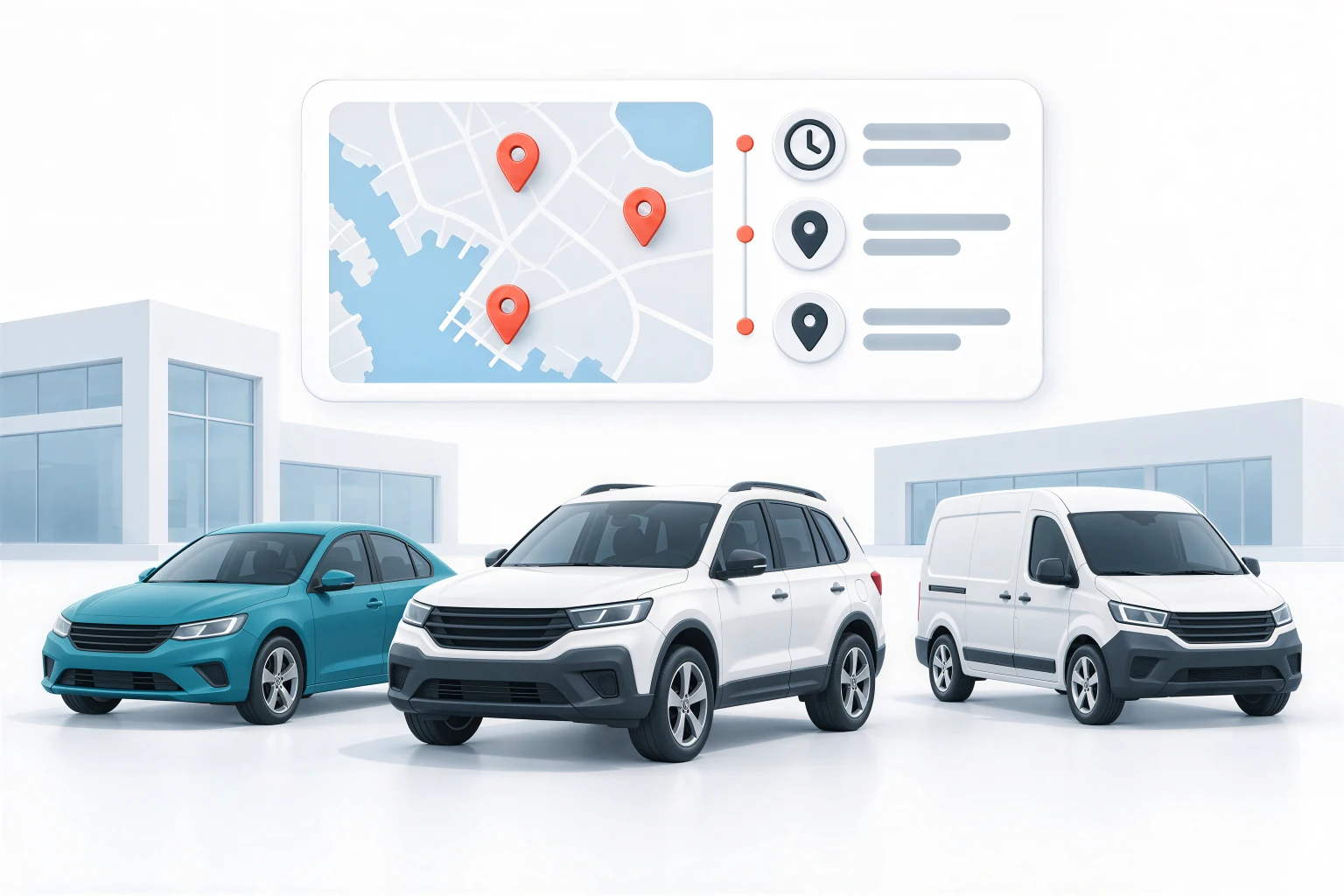
An additional control layer for your existing tracking system
A flat vehicle battery or disconnected power supply does not remove the need for location information.
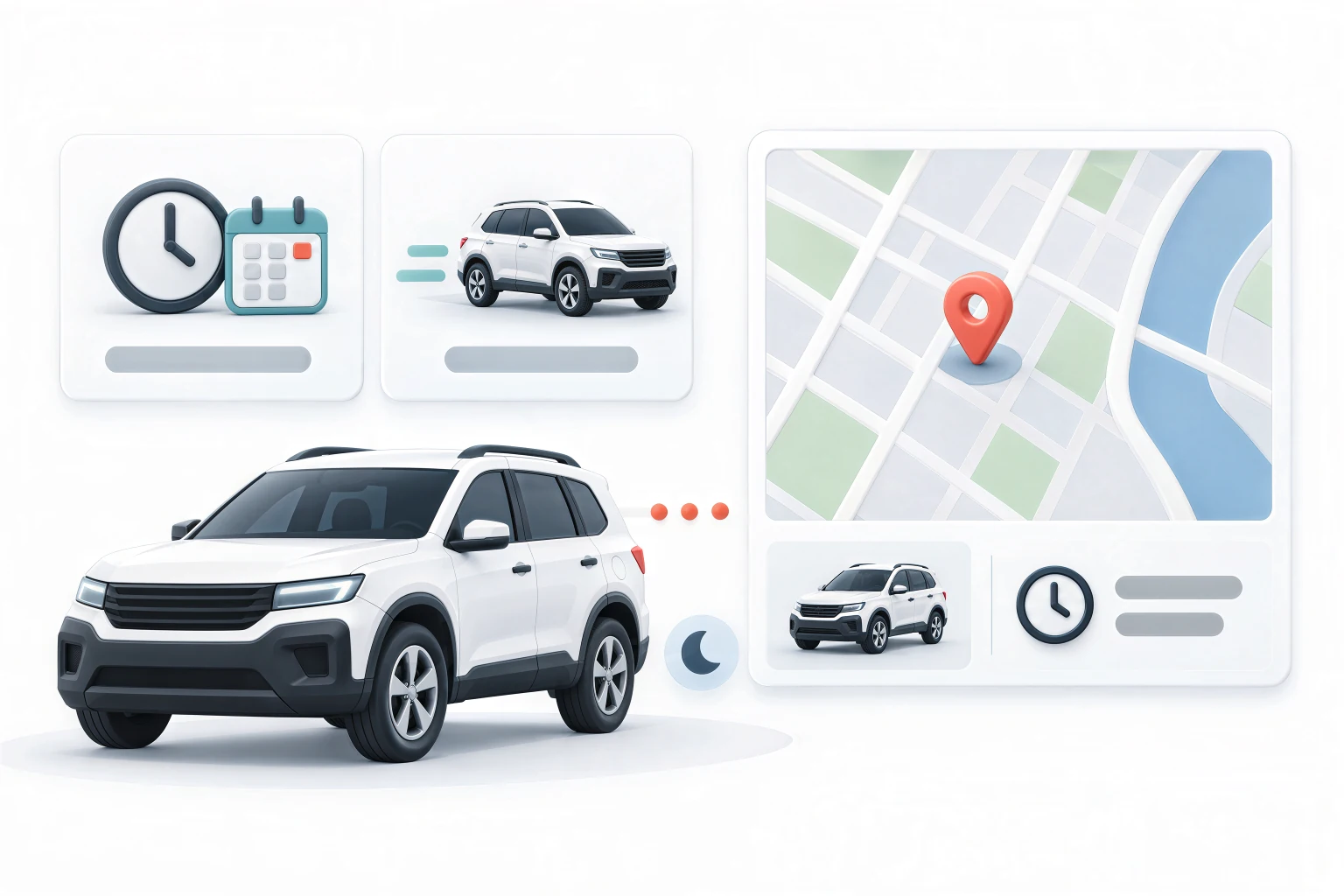
İM3L runs on its own batteries and mobile connection. It can collect and transmit data according to its configured schedule even when vehicle power is disconnected. This provides a second information source alongside your existing tracking system, independent of vehicle power.
No electrical connection required
Installed without modifying the vehicle's electrical system or running a power cable. Suitable for different makes and models, including electric vehicles.

Suitable for discreet installation
Place it in a less noticeable location without relying on a standard power connection. This makes the device harder to find and remove without authorisation.

No subscription fee
There is no subscription fee for using our tracking dashboard and devices. Transfer tracking data to existing systems through the open API.
Scenarios that fit your fleet's daily operation
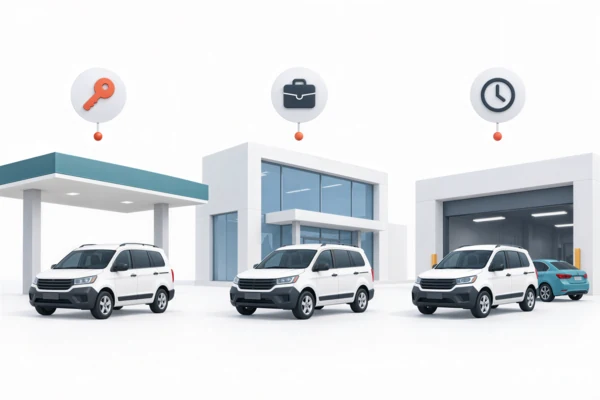
Rental vehicles
Support vehicle handover, use and return processes in short- and long-term rentals with location and movement records. If a return is delayed or a vehicle's whereabouts are unclear, use the latest reported location and historical records to plan contact and field checks.
Vehicles assigned to employees
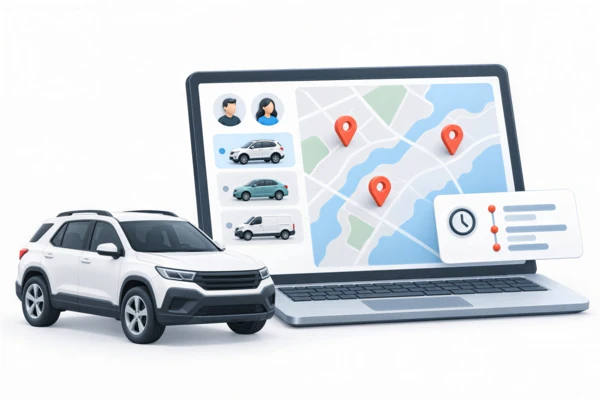
Monitor vehicles used by different branches and teams in one dashboard. Assess reported locations outside the designated operating area alongside timestamps and company usage terms to identify situations requiring checks.

Vehicles parked or awaiting service
Track vehicles awaiting their next rental, parked for the season or undergoing maintenance. If unexpected movement is recorded, review the event time and latest location to decide whether further checks are needed.
Installation independent of the electrical system
Installation without an electrical connection
İM3L can be installed in different makes and models, including electric vehicles, without running power cables or modifying the electrical system.
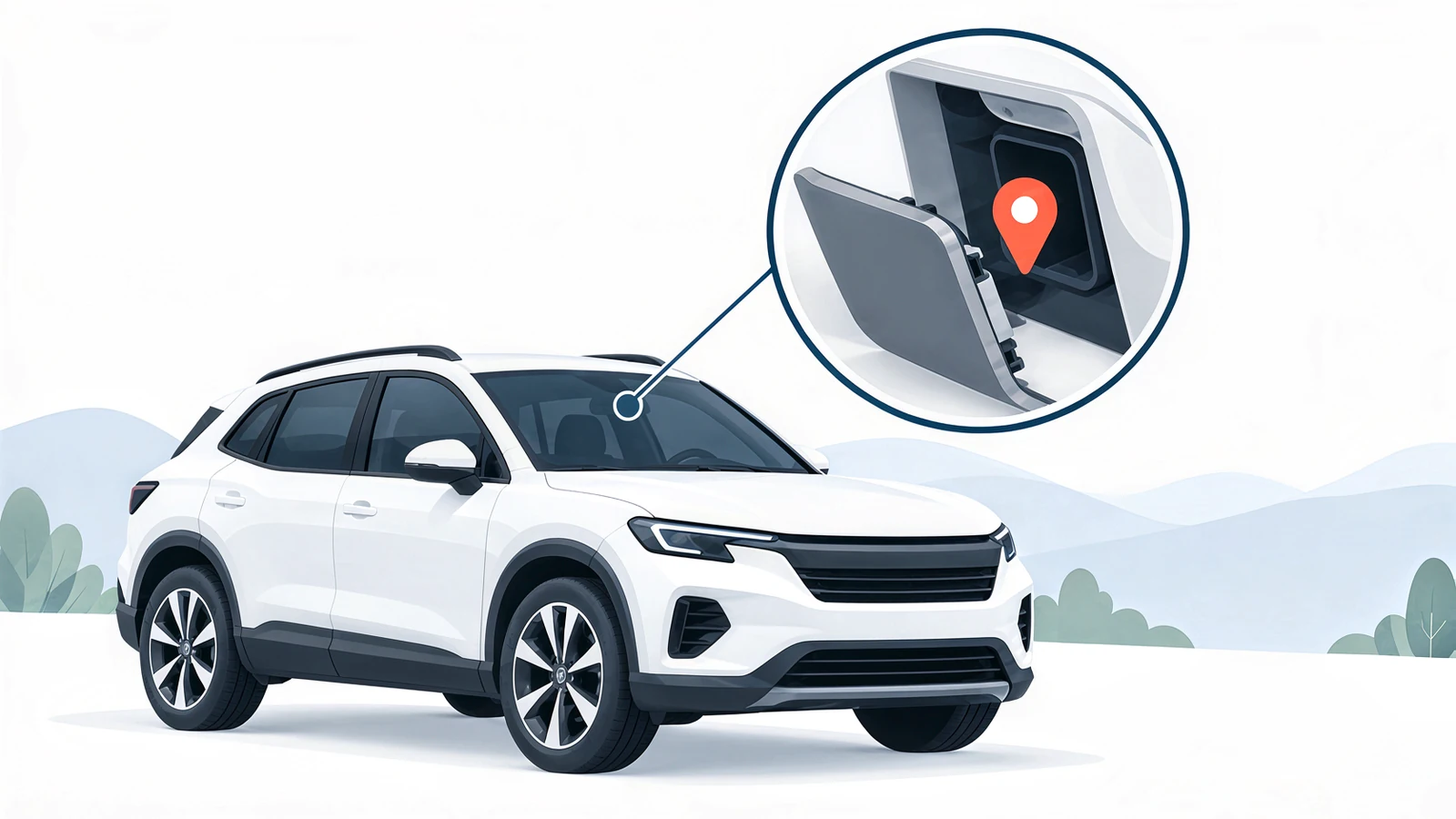
Because it does not rely on a standard socket or power connection, it can be secured in a less noticeable location with suitable signal reception. The absence of a power cable leading to the device also makes it harder to locate.
|Choose an installation point by considering discretion, signal reception and secure mounting together. Appropriate placement helps make unauthorised removal harder.
Data transmission and battery life
When is location information updated?
İM3L collects data at scheduled times or in response to defined events and transmits it over the mobile network. It sleeps between communication sessions to save energy.
The dashboard shows the latest received data and record times. Transmission frequency is adjusted to balance tracking needs, battery life and operating conditions.

Manage your fleet in one dashboard
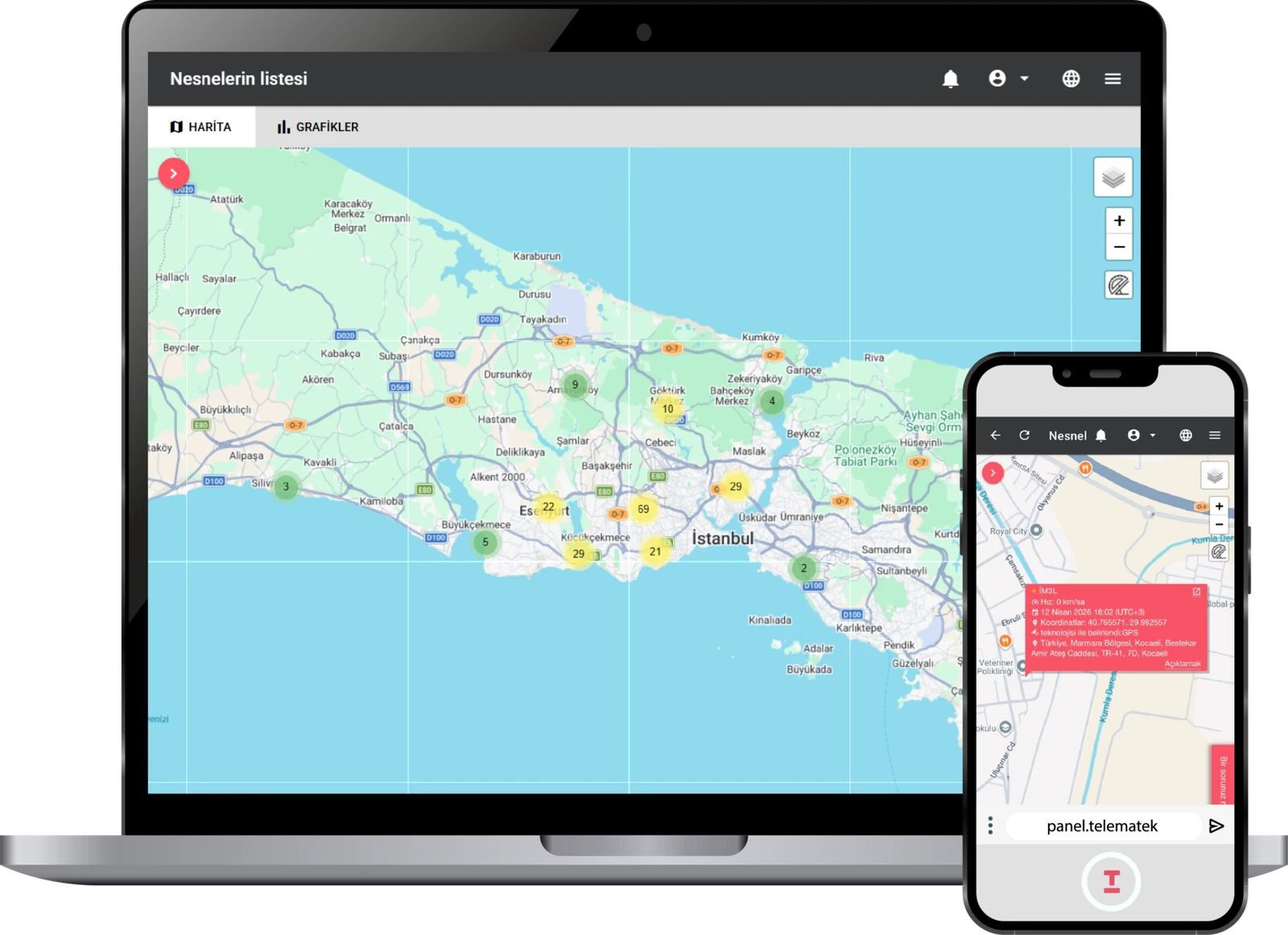
Access TelemaTek Panel through a browser on your computer, tablet or phone. Manage vehicles, records and user access in one place.
Location and historical records
View last reported locations on the map. Review timestamps, location history, movement and stop records.

Geofences, notifications and reports
Define geofences, schedule automatic reports and create notification and automation rules for unusual events.

Team and device management
Group vehicles by branch, region or purpose. Add users and assign separate permissions for viewing vehicles and changing device settings.

API integration
Transfer device data to your existing software. Together, we can define the integration scope around your systems and data needs.
Start tracking your fleet in 4 steps
Go from installation to daily monitoring in four steps.

Place the device
Switch on the device and secure it in a location in the vehicle with suitable signal reception.
Verify the first connection
panel.telematek.com.tr Check the first connection and timestamp in the dashboard. Compare the reported location with the vehicle's actual location.
Define the operating schedule
Set transmission frequency, events to track and notifications to match the way your fleet operates.

Start regular monitoring.
Create vehicle groups and user permissions. Make reviewing records and notifications part of your daily workflow.
Let's define the right tracking scenario for your fleet
Tell us your vehicle count, operating regions and tracking needs. Together, we can plan installation, transmission schedules and dashboard use.
Let's define the scope and evaluation criteria for a pilot using selected vehicles.