

Learn how satellite signals are received, what affects signal quality and why correct device placement matters.
How does satellite positioning work?
How quickly and accurately a tracking device determines its location depends on more than its specifications. Nearby structures, device placement and the conditions in which satellite signals reach the antenna also affect the result.
This guide explains how location information is obtained, what can cause delays and what to consider for more reliable results.
GPS is one satellite positioning system. The collective name for systems such as GPS, Galileo, GLONASS and BeiDou is GNSS.
How do satellites broadcast positioning signals?
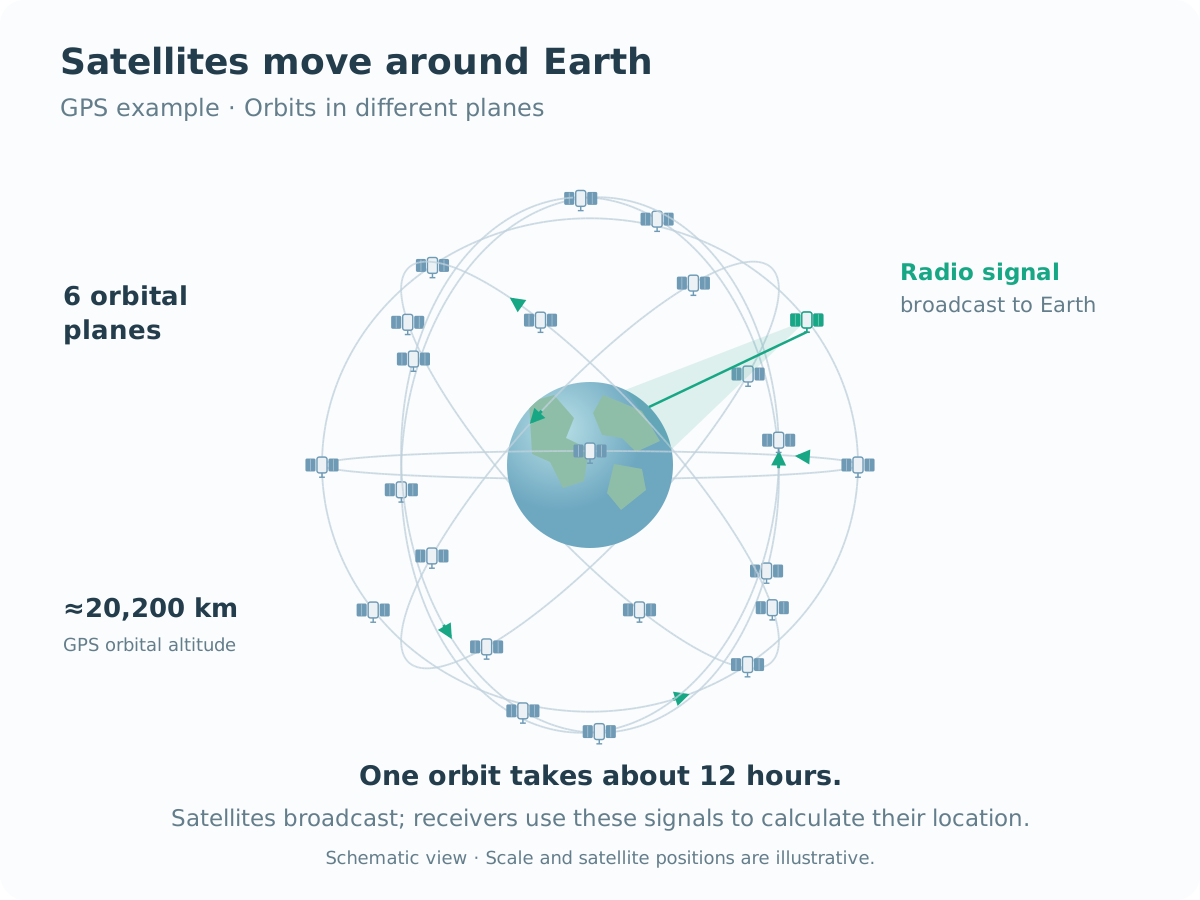
Navigation satellites move around Earth in predetermined orbits. GPS satellites, for example, are distributed across six orbital planes at an altitude of about 20,200 km. One orbit takes approximately 12 hours. This arrangement places several satellites above the same area at any given time, with their positions in the sky changing over time.
Each satellite continuously broadcasts radio signals containing time and orbital data. The broadcast covers a large area of Earth’s surface and can be used by many receivers simultaneously. The tracker receives the signals and calculates its own coordinates without sending a request to the satellite.

How does the device calculate its location?
The GNSS module determines satellite positions from navigation data and calculates distances using signal travel times. Software evaluates these measurements together to find the position that best fits them. This distance-based positioning principle is called trilateration.
A standard, standalone three-dimensional position fix and receiver clock correction generally require measurements from at least four satellites. More good-quality satellite signals provide additional measurements and often improve stability.
Satellite count alone is not enough. Signal quality and the distribution of satellites across the sky also affect the result. Satellites spread across different parts of the sky generally provide better positioning geometry than satellites clustered in one direction.

Why can’t all satellite signals be received under a canopy?
Imagine 12 satellites above the horizon. In an open area, signals from many of them can reach the antenna. Under a metal canopy, the roof blocks some direct signal paths. Only signals with an unobstructed path can arrive through the open sides.
In the illustrated example, only three direct satellite signals reach the antenna. This is generally insufficient for a new, independent three-dimensional fix. A location fix may be possible under a different canopy; the result depends on roof material and dimensions, device placement and the satellites’ positions at that moment.
Even with four or more satellites available, restricted sky visibility and reflections can affect accuracy. What matters is how much of the sky the antenna can see and which satellite signals can be used in the calculation.
What affects satellite reception?
GNSS signals arrive at very high frequencies, around 1.5 GHz, and at very low power. They can be easily obstructed. Common obstacles include:
Metal surfaces and enclosed structures
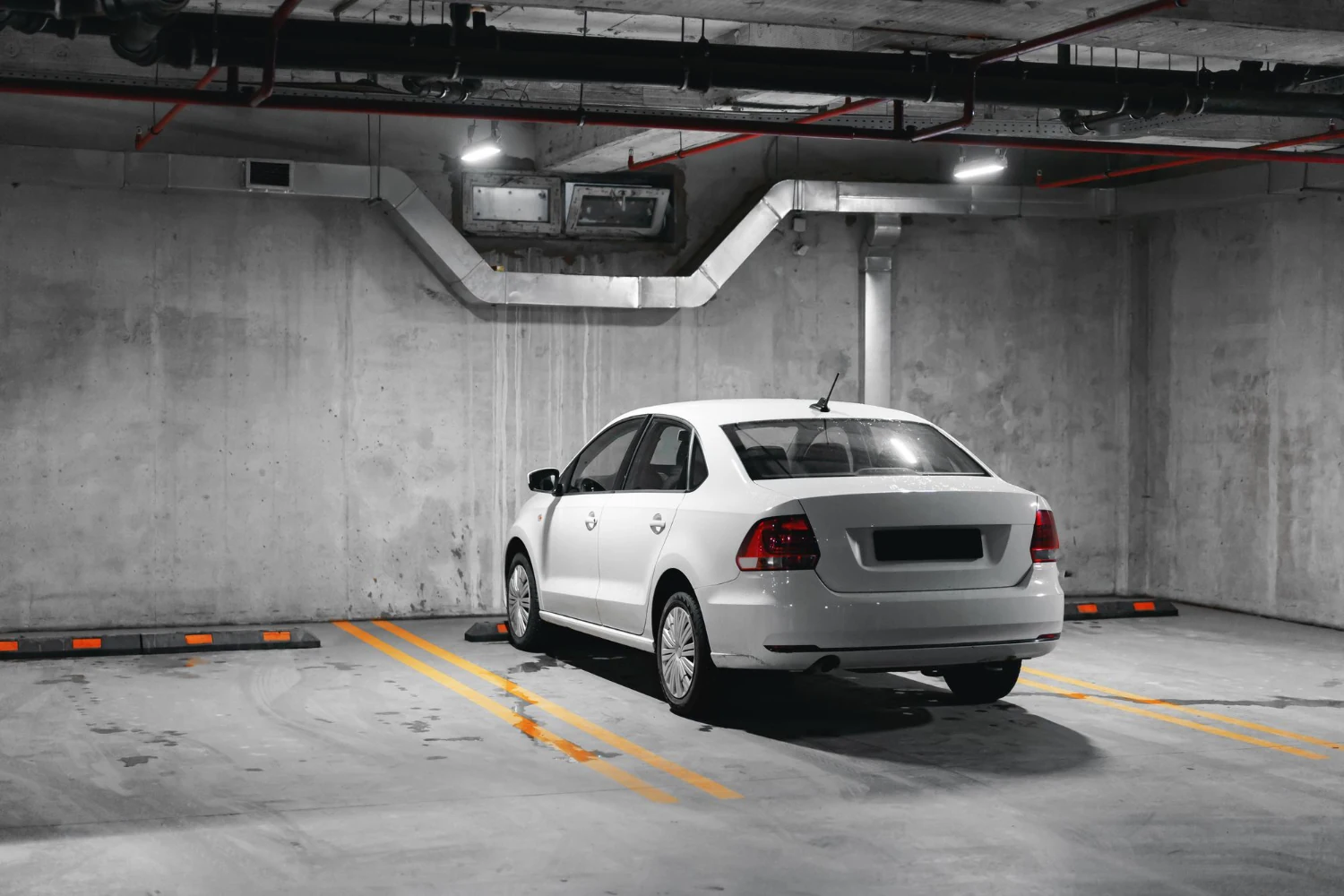
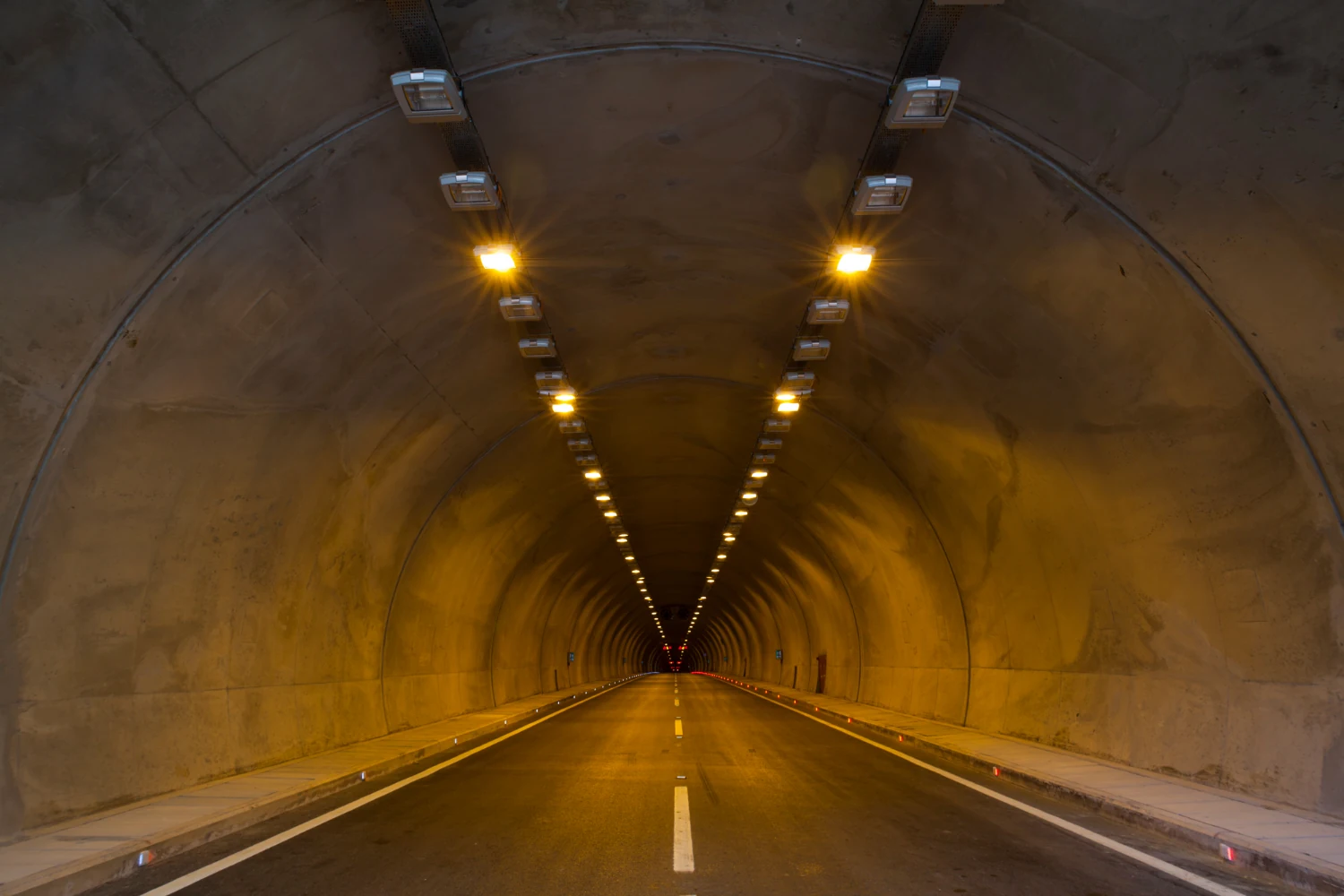
Metal bodies, reinforced concrete ceilings and underground structures can weaken or block satellite signals. Covered car parks, tunnels and metal containers therefore make positioning harder.
Tall buildings and reflected signals
Buildings can block part of the sky. Some signals reach the device after reflecting off buildings instead of travelling directly, which can shift the mapped location away from the actual position.
Dense tree cover
Dense trees and foliage can weaken signals, especially when leaves are wet. Moving into an open area helps improve satellite reception.
Antenna orientation and placement
Device orientation and surrounding materials affect reception. Follow the manufacturer’s antenna orientation and installation recommendations, and test the selected point before securing the device permanently.

Discreet installation does not necessarily mean losing the signal. Some materials, such as plastic or uncoated glass, allow satellite signals through. The result depends on the material, its coating and device placement.
Situations where GNSS positioning is difficult or unavailable




Why can a phone show a location more quickly?
Depending on settings and available connections, smartphones can combine GPS with Wi-Fi networks, mobile base stations and sensor data. Assisted GNSS data obtained over the internet can also speed up the first fix.
A phone may initially appear better or more powerful, but the difference comes from how the devices operate.
A point shown immediately on a phone is therefore not always a freshly obtained GPS fix. Its initial position may be approximate and updated later.
When comparing a phone with a tracker, consider how and when the location was determined, as well as the point shown on the map.
Energy efficiency is the priority for autonomous devices
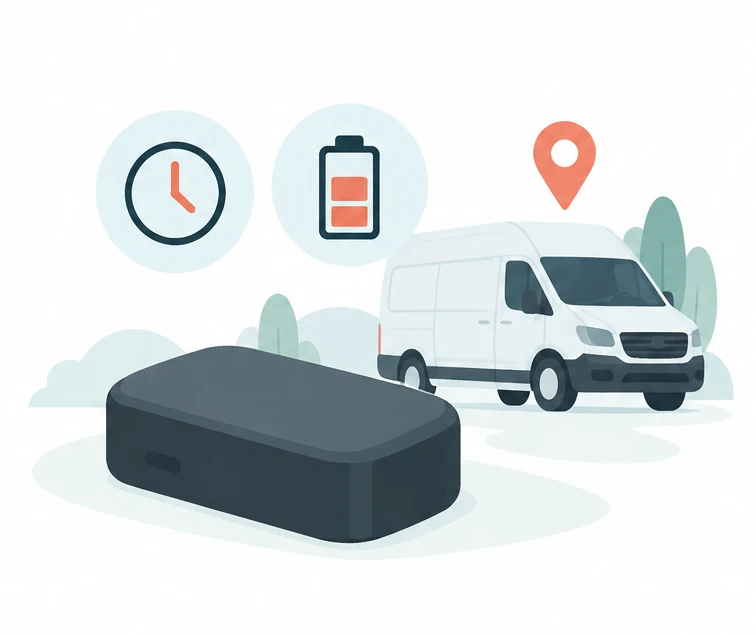
Autonomous trackers such as TelemaTek İM3L run on their own batteries. To use energy efficiently, they activate at intervals or in response to events according to the selected mode, determine location and transmit data.
Calculating a new satellite position requires suitable reception. Sending that record to the dashboard depends on access to the mobile network.
What is a cold start and why does it matter?
A GNSS receiver needs sufficient satellite signals and current satellite data to calculate its location. If the required initial information is unavailable, obtaining the first fix can take longer. This is called a cold start.
During a cold start, the device does not know:
- where it is,
- which satellites are visible,
- or even the correct time.
It must then:
- Scan the sky,
- Receive satellite data,
- Calculate its coordinates.
Depending on reception, this process can take 20–120 seconds.
It can take longer beneath metal surfaces, inside enclosed bodies or concrete structures, or with a restricted view of the sky.

Cold starts are not unique to tracking devices
This process is not specific to autonomous devices such as TelemaTek İM3L.
All GNSS-enabled devices, including smartphones, operate on the same principle.
For example:
- If your phone has been switched off for a long time,
- If GPS reception was interrupted during a flight,
- Or if you have travelled to another country,
Your phone may need to acquire current satellite data. The time required for the first fix depends on the initial data available and reception conditions.
Even if older almanac data is stored in the phone, it may be outdated. The phone may need to obtain current satellite data and calculate a new position from usable signals.
After switching on, it can therefore take a few seconds—or over a minute in poor reception—to find the first location.
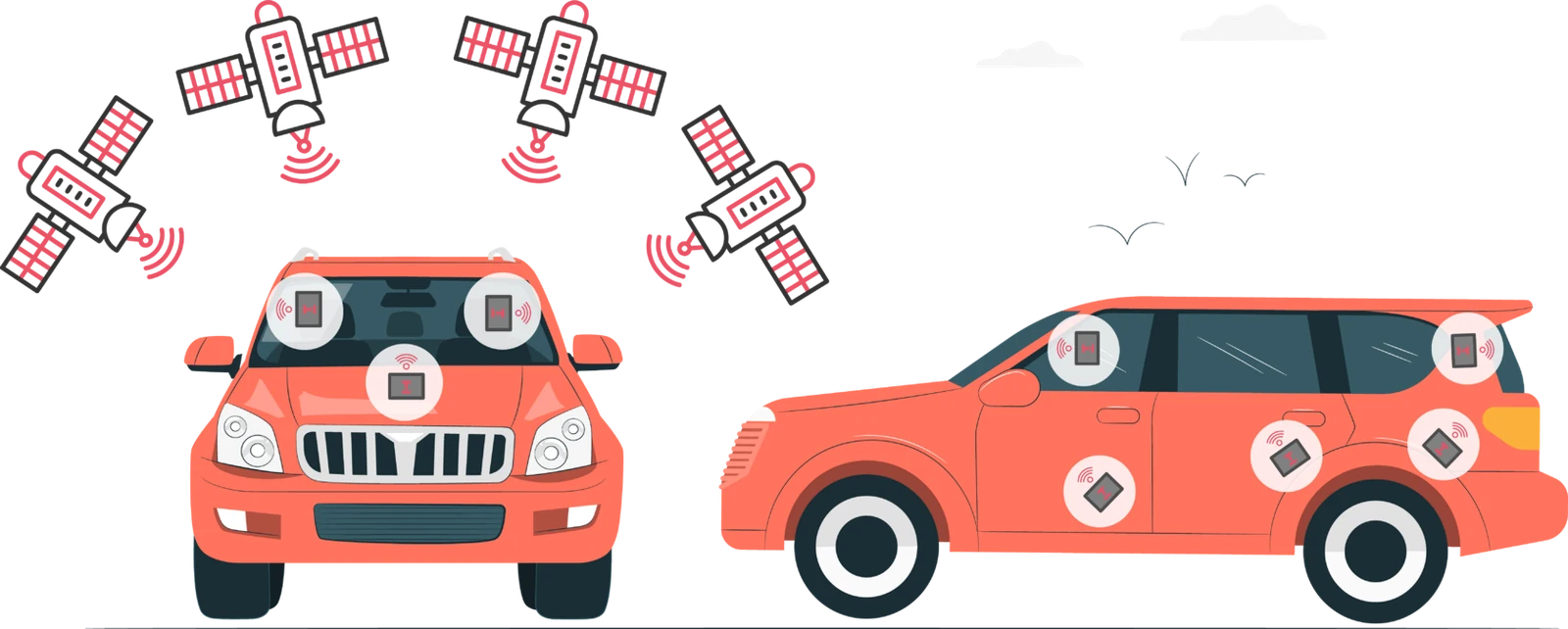
How to obtain accurate coordinates
For reliable, accurate location information from your GNSS device, follow these simple guidelines:
- Do not cover the GNSS antenna with large metal surfaces. Metal can block signals completely or reflect them, causing positioning errors.
- Orient the antenna towards the sky. Choose a location with the broadest possible sky view and no large metal surfaces blocking direct satellite signals.
Also consider the vehicle type and operating conditions.
The antenna should stay in the same position while the vehicle operates; otherwise, signal quality may fall.
|Avoid placing the device, especially its antenna side, behind a large metal surface.
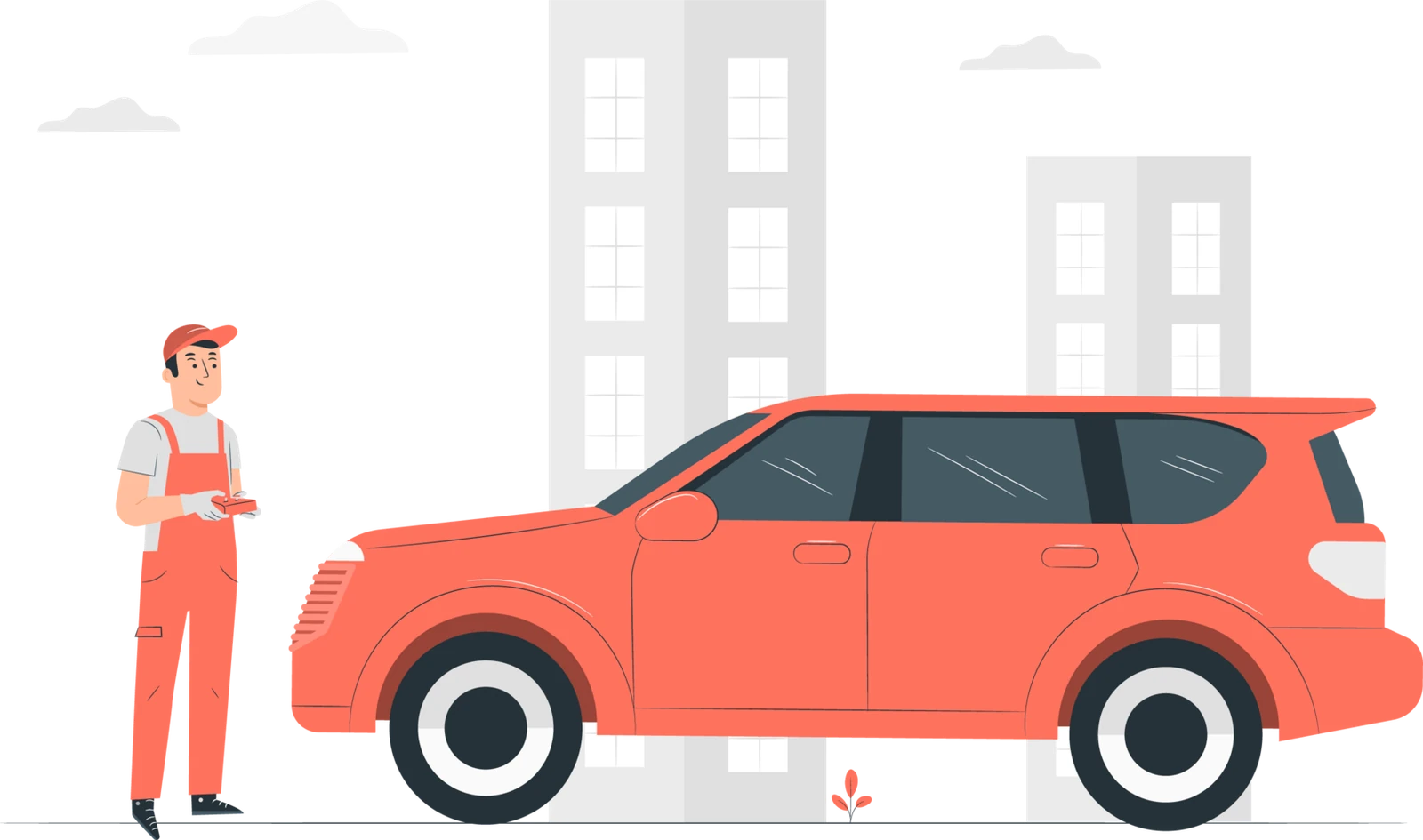
Why does this matter during installation?
For convenience, devices are often installed inside a vehicle, in the engine compartment or beneath the body.
The result:
- Weak or intermittent reception
- Delayed or inaccurate location data
- The user assumes the device is faulty

How to choose a tracking device
Learn the differences between online, autonomous and Bluetooth trackers, and what to consider when choosing a device for your application.
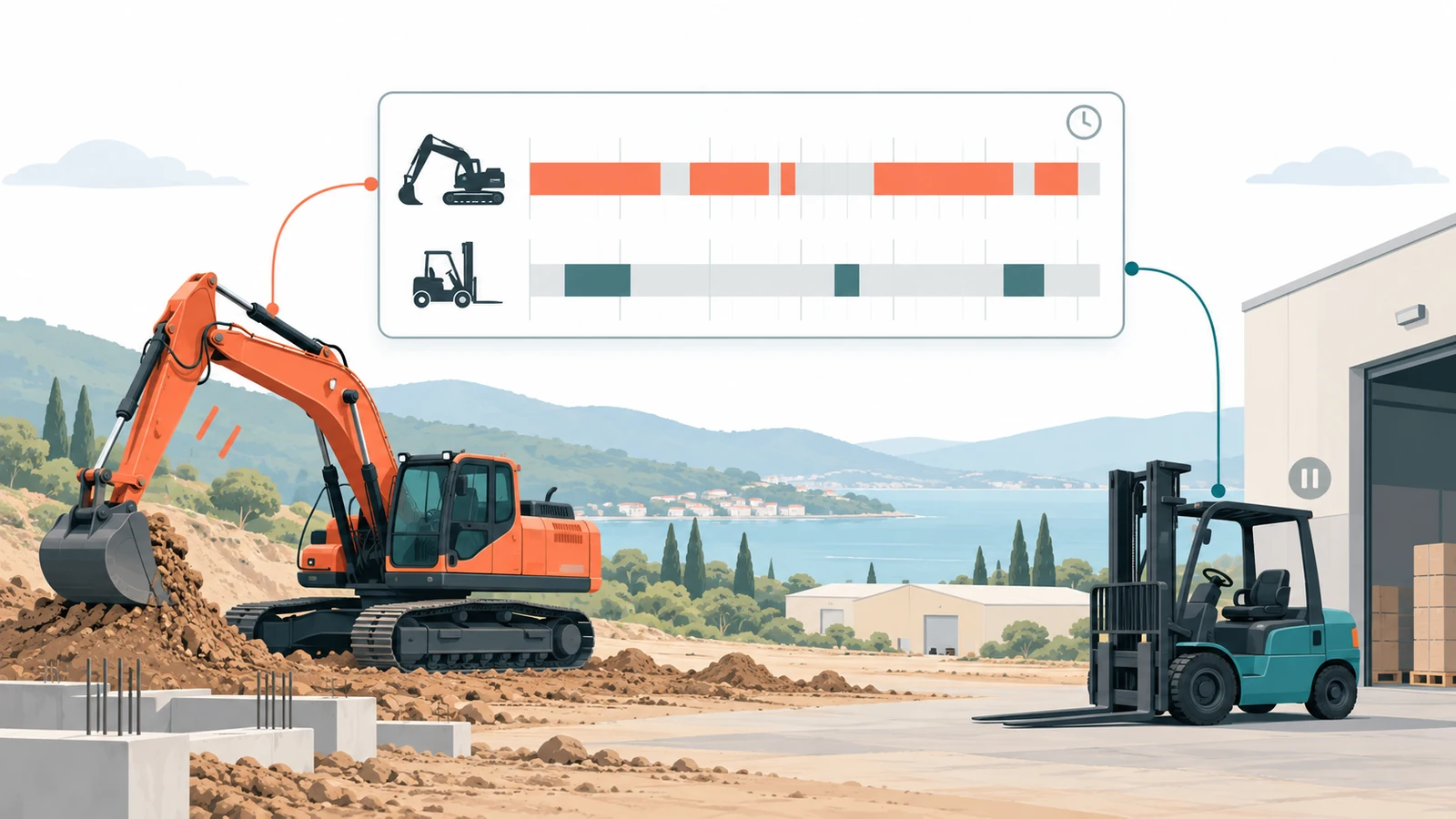
Movement and activity charts
Discover hidden inefficiencies through movement data. Creating movement and activity charts with TelemaTek İM3L.
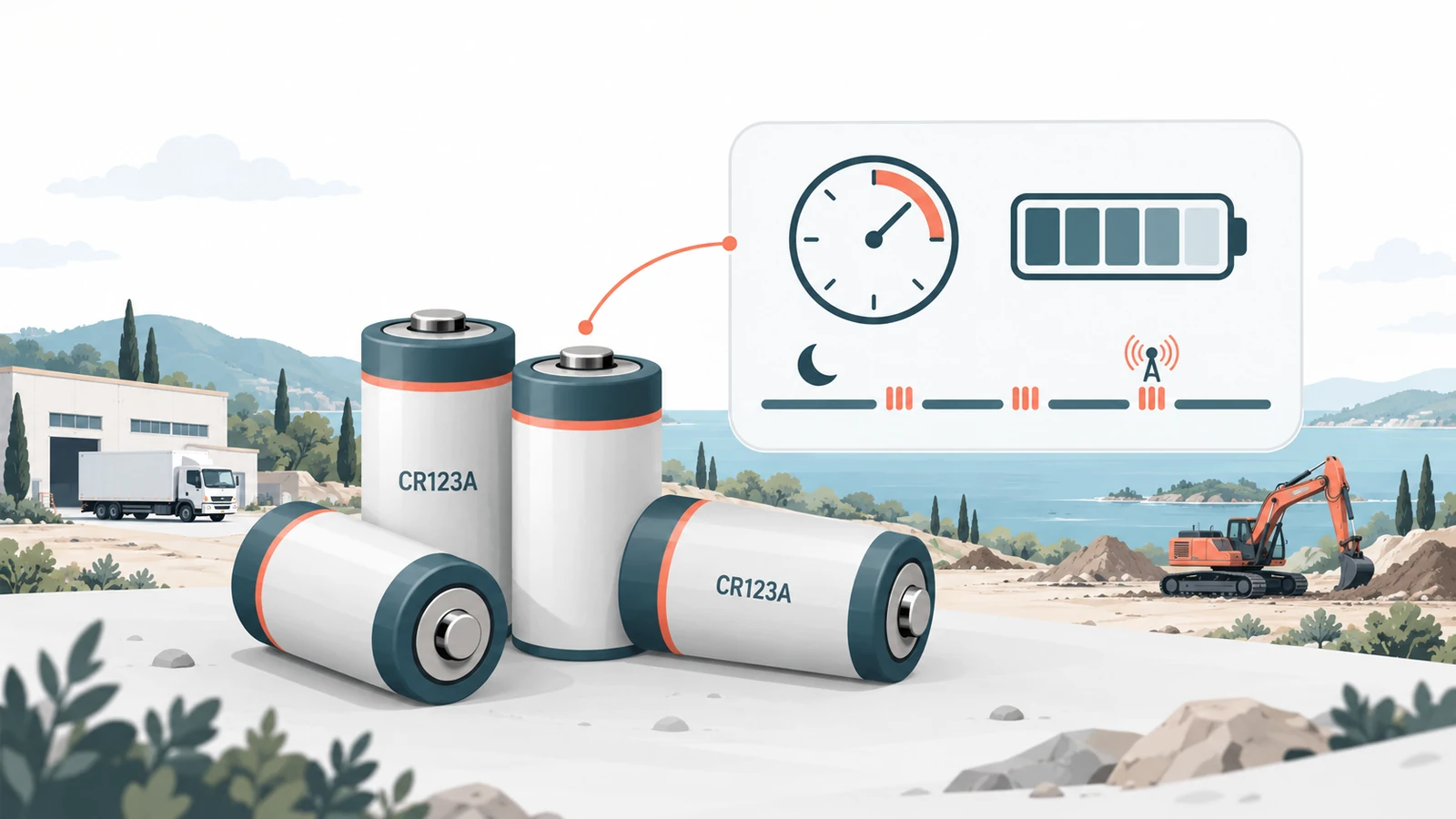
How is long battery life achieved?
Learn how battery choice, transmission frequency and operating conditions affect İM3L battery life.

Positioning
What is positioning and how does it work?